
Your servers, in your pocket.
Server Sidekick connects to your Linux, macOS and FreeBSD servers over SSH, so you can check on them and fix things from your phone or tablet.
Everything in one place
The admin tools you reach for, without squinting at a terminal.
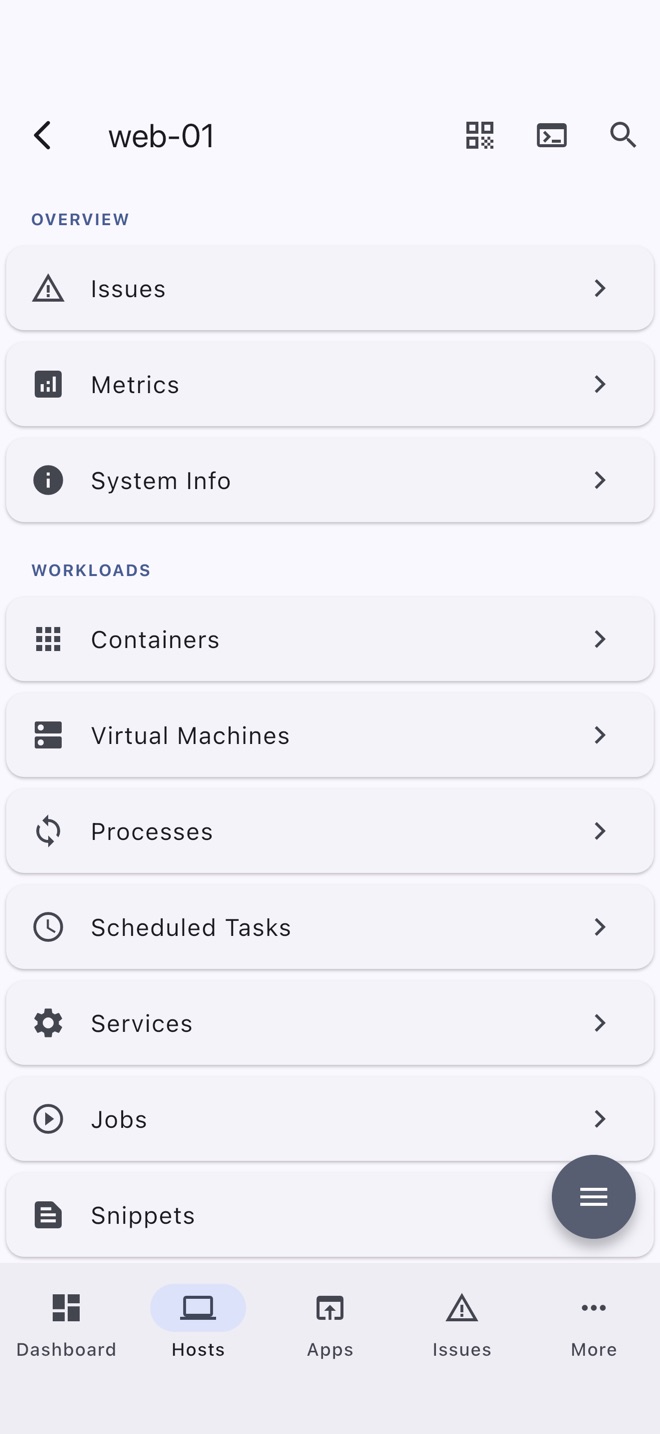
Each tool is a real screen built for touch, with a full terminal one tap away when you need it.
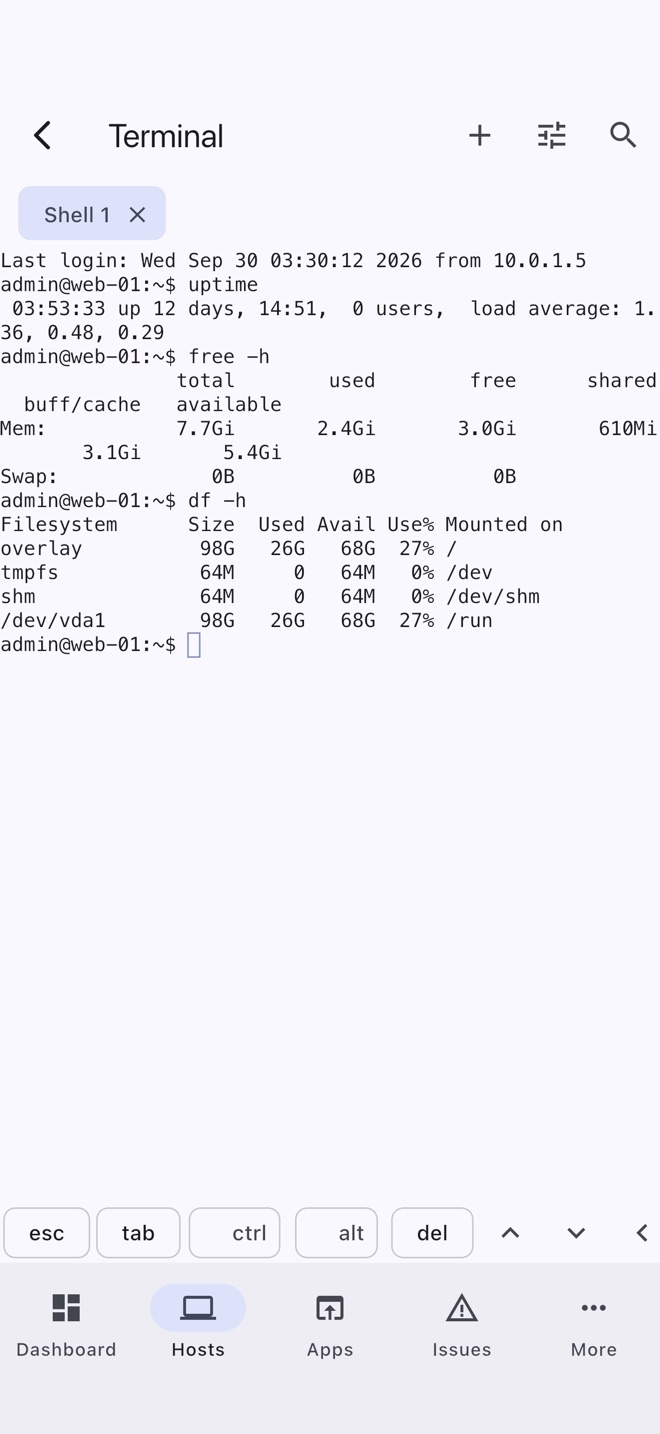
Terminal
Several shells per host as tabs that stay open when you leave. tmux and GNU screen keep a session alive through a dropped connection.
Metrics and issues
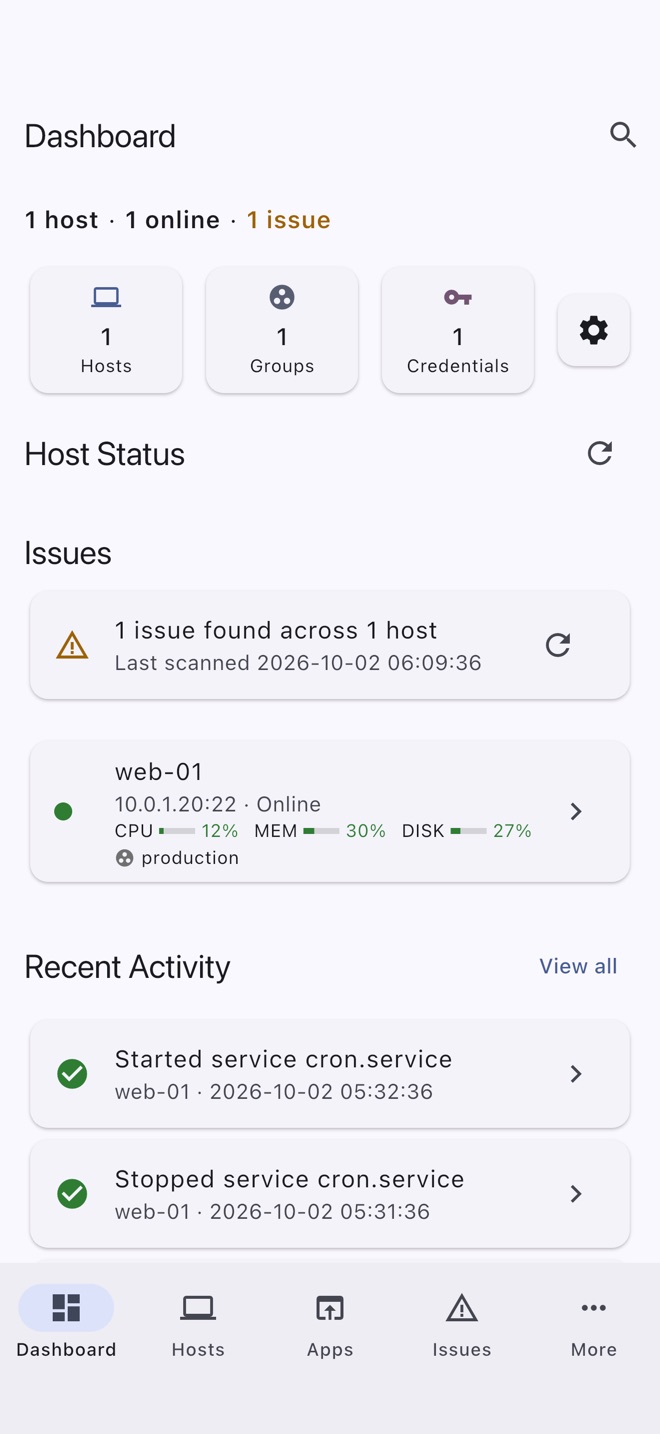
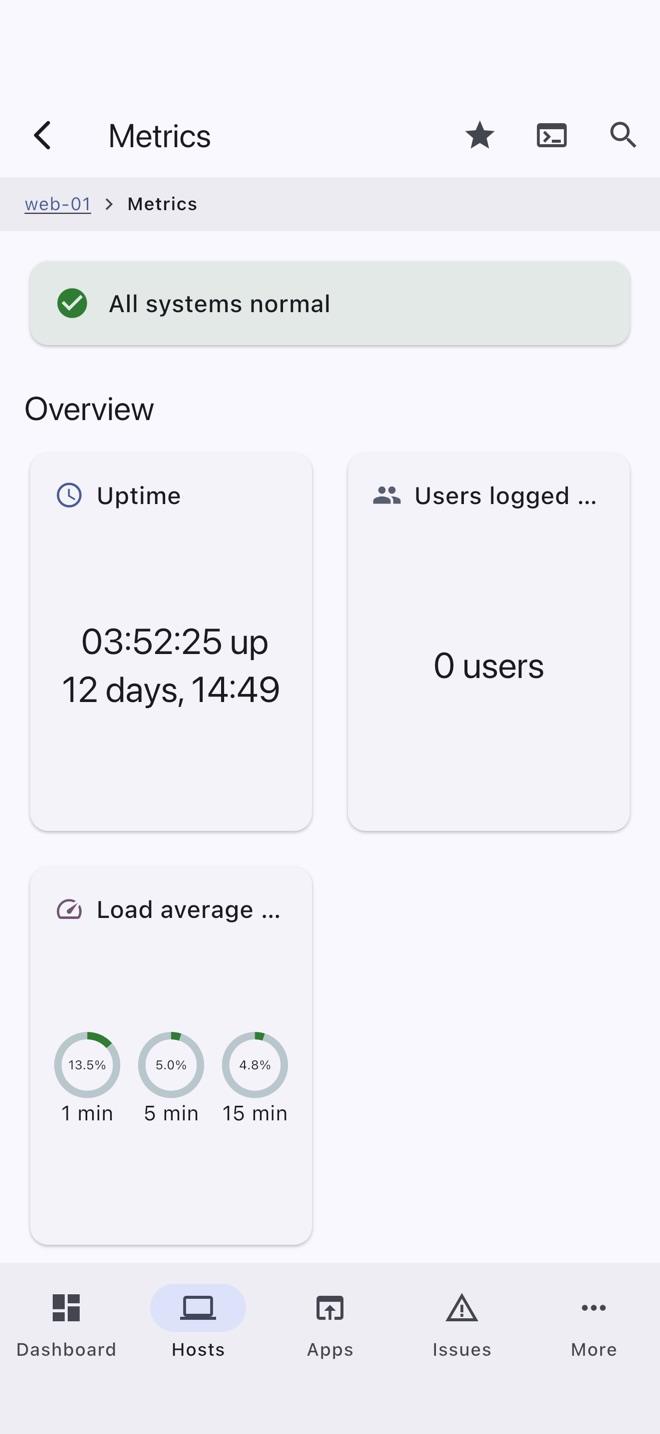
Load, memory, disk, network, per-core CPU, temperatures and GPU, with history charts. The dashboard flags failed services and low disk space across your hosts.
Containers and Kubernetes
Docker, Podman, nerdctl, LXC and containerd, plus pods, workloads and logs over kubectl, with Helm, Flux and Argo CD.
Files
Browse, upload, download, rename, move and change permissions over SFTP, or copy files straight to another of your hosts.
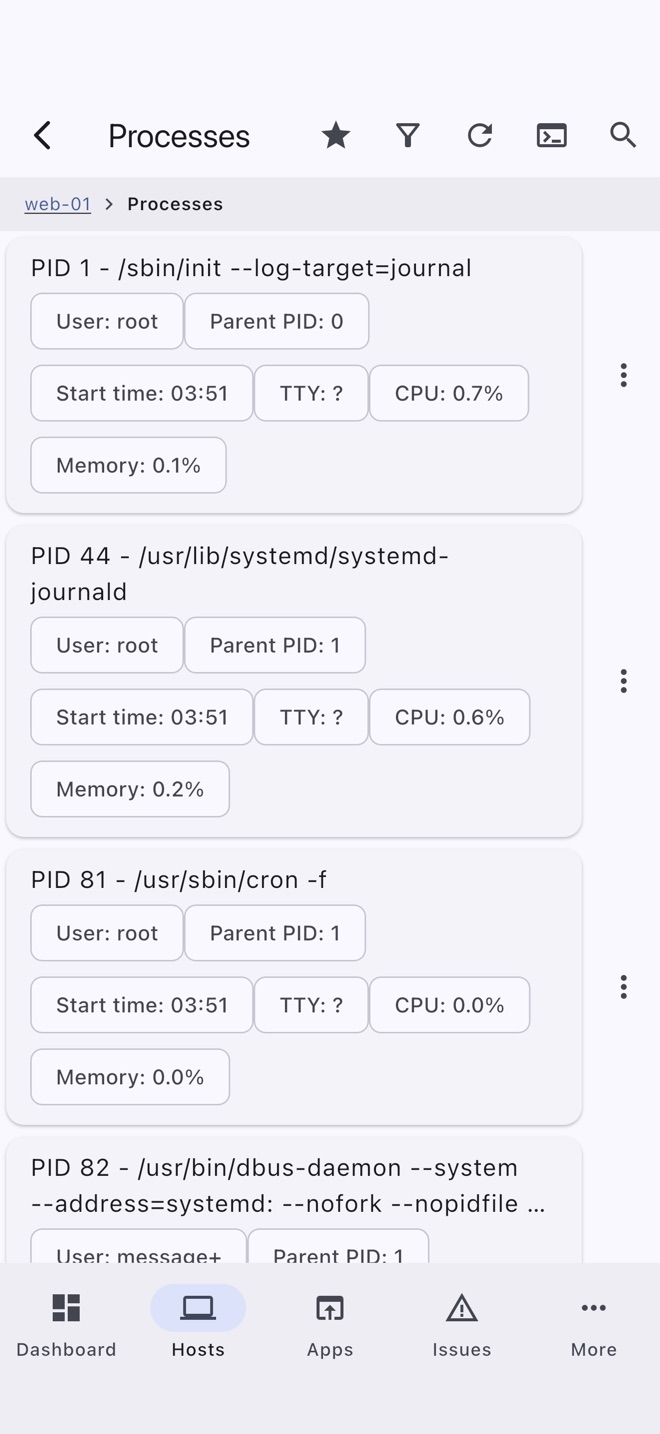
Services and processes
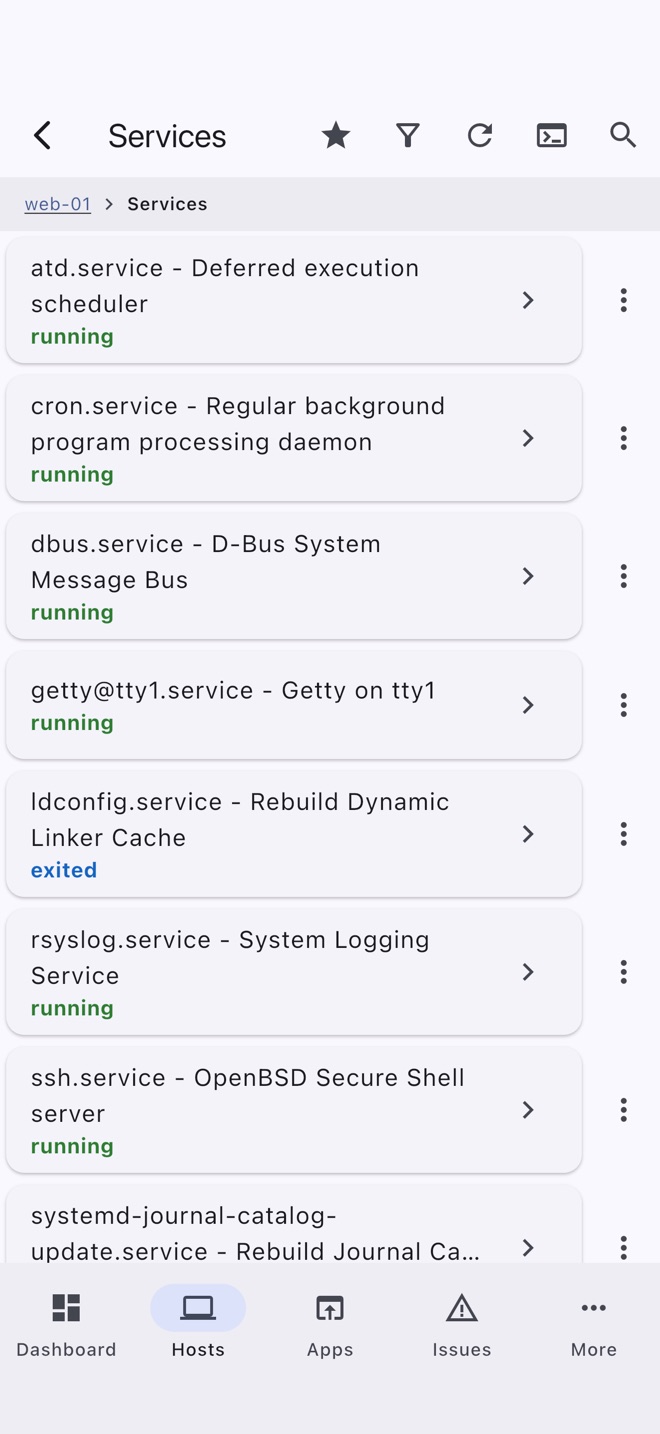
Start, stop and read the logs of systemd, init.d, launchd and rc.d services. Sort processes, send signals, and manage cron and at jobs.
Private by design
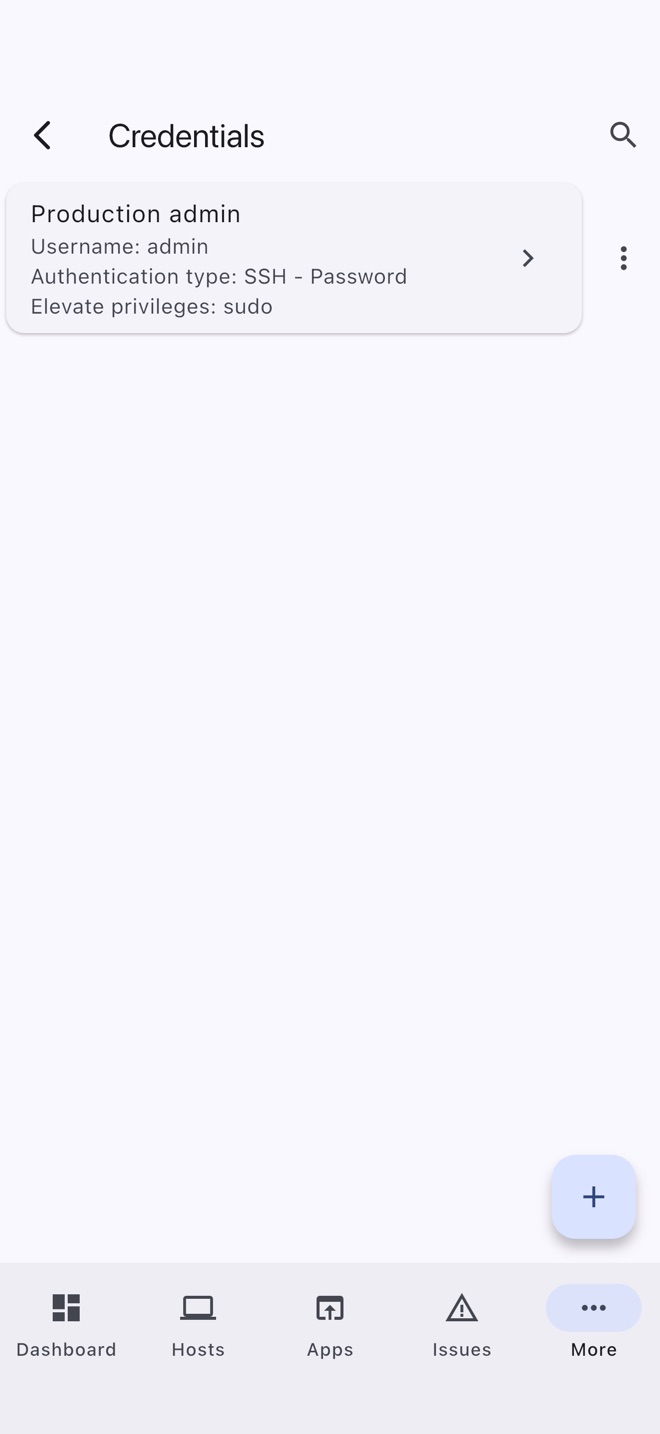
Passwords and SSH keys are encrypted on your device. Sync, if you want it, is end-to-end encrypted through a server you choose. No accounts, no analytics, no crash reporting.
Get going in a minute
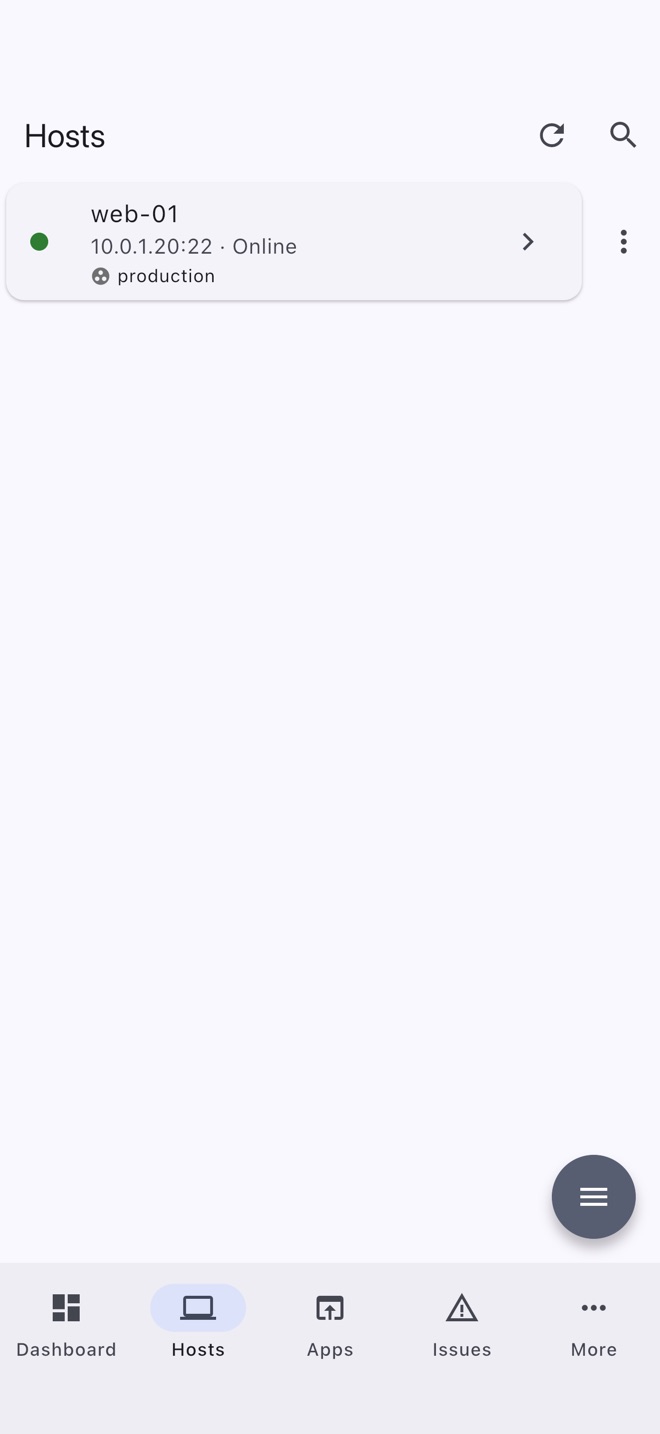
Add your hosts the easy way.
- Scan your local network for SSH servers.
- Import your
~/.ssh/config, or guests from a Proxmox host. - Scan a QR code to bring over hosts from another device, without their credentials.
- Generate, deploy and rotate SSH keys in the app. Passphrase-protected keys and jump hosts work too.
- No server handy? Try a demo host, a simulated Debian server built into the app that works offline.
Phone and tablet
Built for touch. At home on a big screen.
On a tablet the app grows a navigation rail and sidebar. Sync keeps your hosts the same on every device, end-to-end encrypted through a WebDAV server you choose, such as your own Nextcloud. Choose from 17 themes, including high-contrast and color-blind-safe ones. A Mac version is coming later.
A closer look
Screens from the app
Who makes it
Made by one developer.
I'm Joshua Akers, and I make Server Sidekick on my own, in Virginia. I use it every day on my own servers, including a small Proxmox cluster at home, and that's where most of its features come from. The first version came out in 2020.
There are no investors, ads or data deals behind it, so the app has no reason to collect anything about you, and it doesn't.
If I ever stop working on it, your copy keeps working. There's no account to expire and no server of mine for it to depend on, and your hosts and backups stay with you.
Questions, bug reports and ideas come straight to me at support@serversidekick.app.
Privacy
Nothing you enter is sent to me.
Stays on your device
Hosts, credentials and SSH keys are stored on your device. Passwords and keys are encrypted with a key held in the Keychain or Android Keystore. Sync is optional, and encrypted with a passphrase only you know.
No accounts, no tracking
No sign-up, no ads, no analytics and no crash reporting. There is no Server Sidekick server for the app to talk to.
You choose what leaves
Backups are encrypted with a passphrase you pick. The diagnostics log is sent only if you copy, share or email it yourself.
Free to download. No subscription.
No accounts and no ads. On iPhone, iPad and Android the free version holds five hosts, and one purchase removes the limit.